

macOS notifications, cross-device syncing, Apple ecosystem notifications, iPhone, Apple Watch notifications, device integration, Siri notifications, notification settings Smartwatches

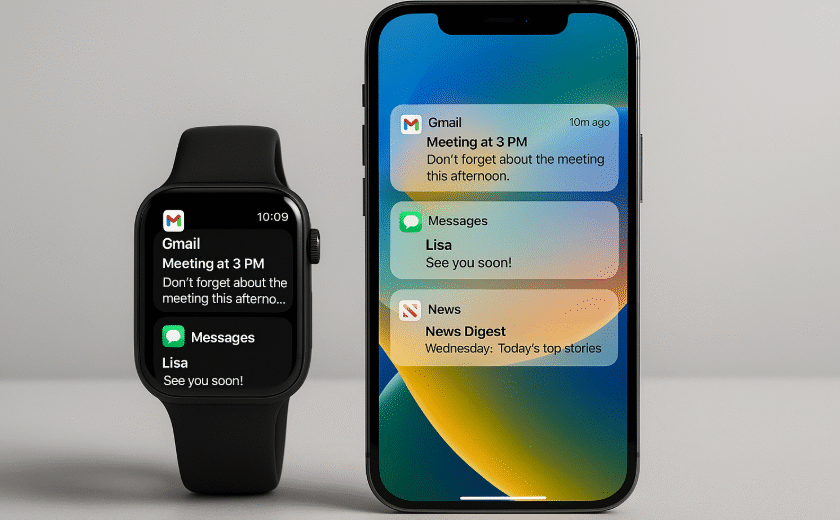
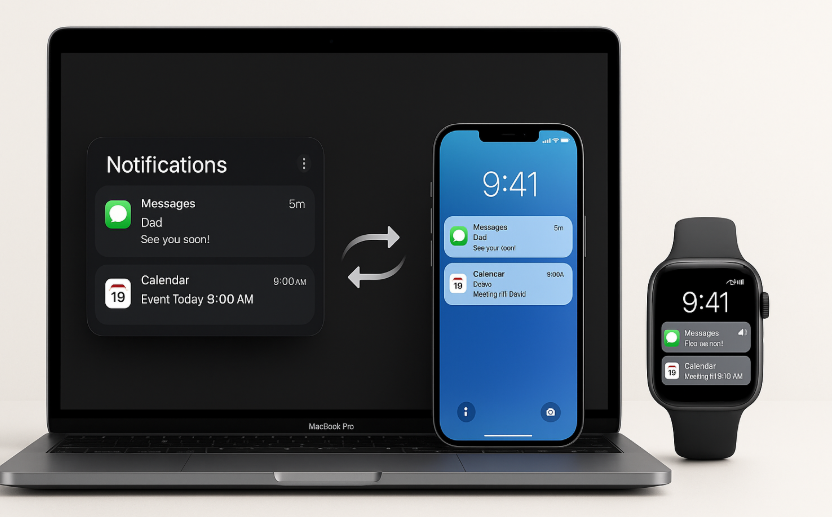
Optimizing macOS Notifications for Cross-Device Harmony

In the world of Apple, the ecosystem is designed to work together effortlessly. Whether you’re using your macOS device, your iPhone, or your Apple Watch, managing notifications across devices can either enhance your experience or become a distraction. With the release of macOS and iOS 19, Apple has introduced features that allow for smoother integration […]
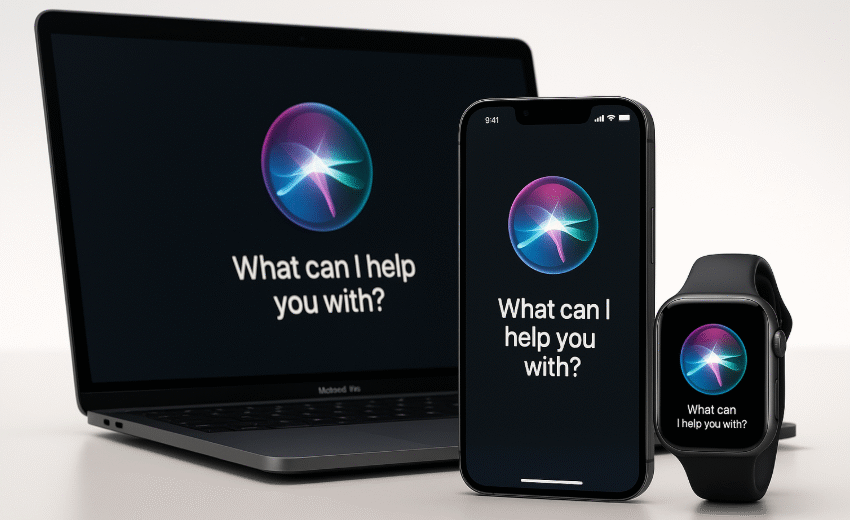
Siri setup, Apple devices, cross-device control, Siri integration, Apple ecosystem, productivity with Siri, Siri voice control, Apple Watch and iPhone Smartwatches

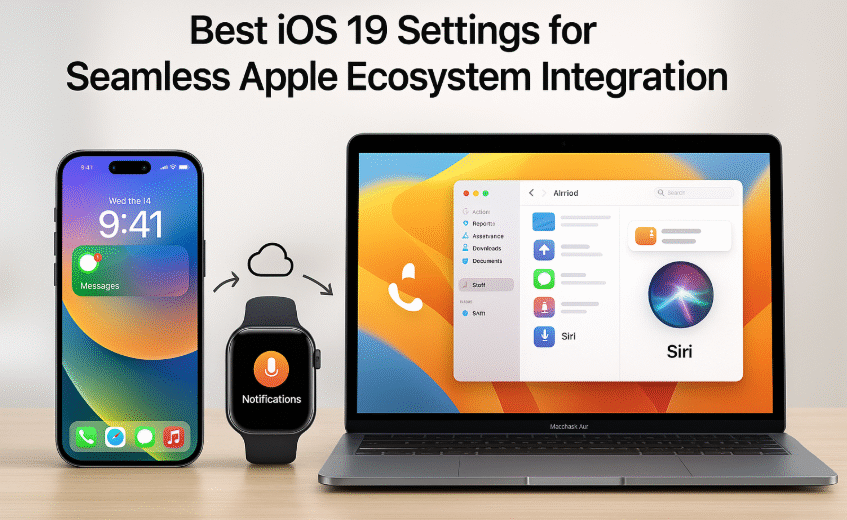
Optimizing Siri for Seamless Cross-Device Control

In the fast-paced world of Apple devices, Siri offers more than just basic voice commands. It serves as the bridge that seamlessly connects your iPhone, Apple Watch, and Mac allowing you to control your devices effortlessly. With Siri integration, you can increase your productivity, streamline your workflow, and enhance the overall Apple ecosystem experience. For […]

AirPods audio setup, Mac microphone, Spatial Audio, Mac sound settings, noise cancellation, AirPods on Mac, Apple audio setup Smartwatches

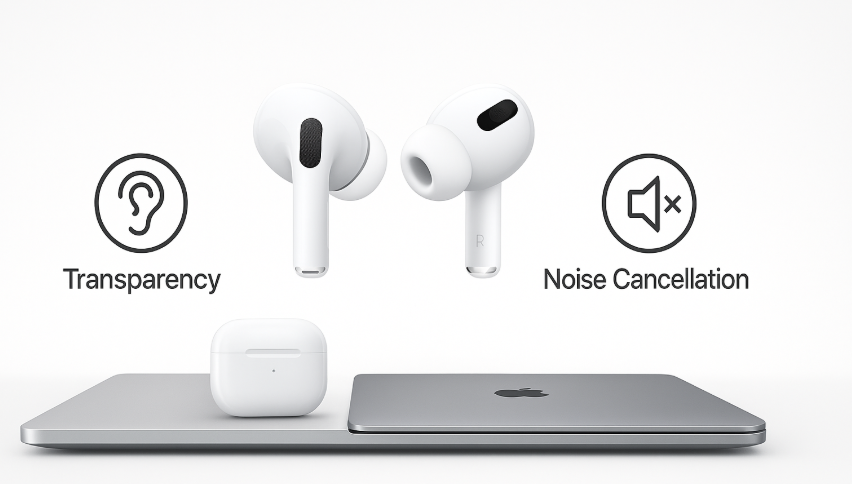
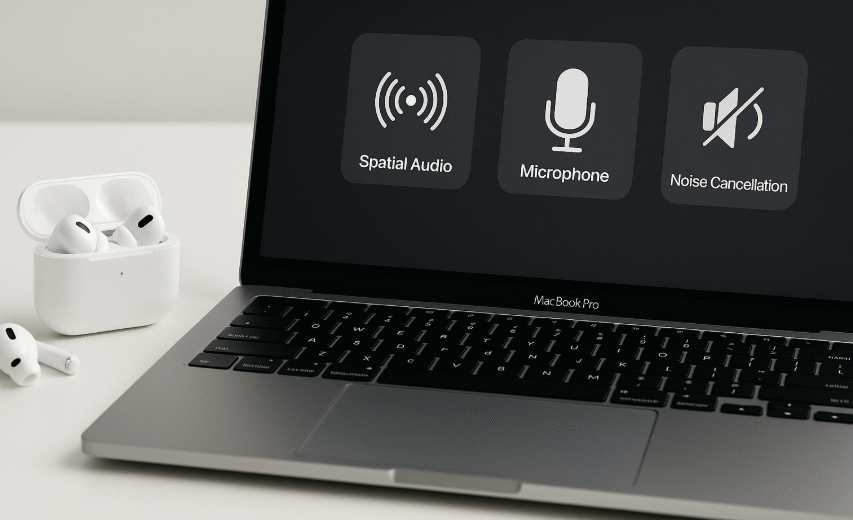
Optimal Audio and Microphone Setup for Mac with AirPods

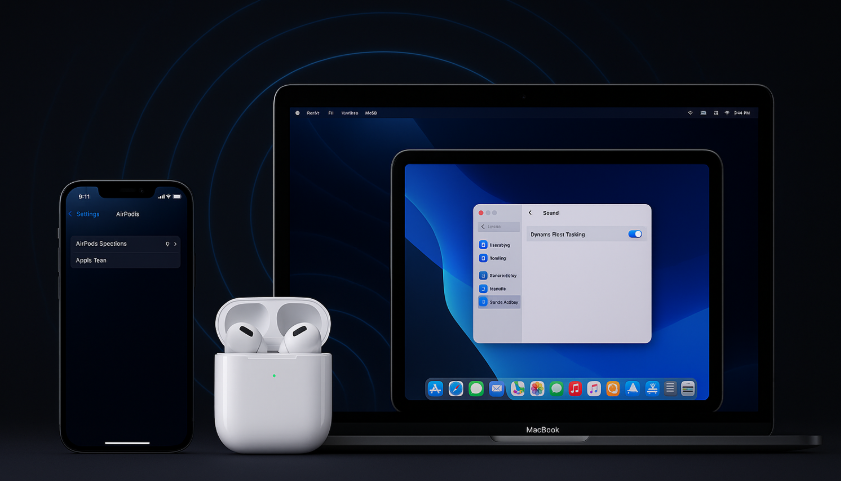
When it comes to achieving the best audio experience on your Mac with AirPods, it’s essential to configure both your audio settings and microphone correctly. Whether you’re using AirPods Pro, AirPods Max, or AirPods 3rd generation, setting them up for optimal sound, clarity, and comfort is crucial. This guide will show you how to adjust […]

multi-screen workflow, multiple Macs, iPad productivity, Universal Control, Apple devices, multi-device setup, Mac and iPad Smartwatches

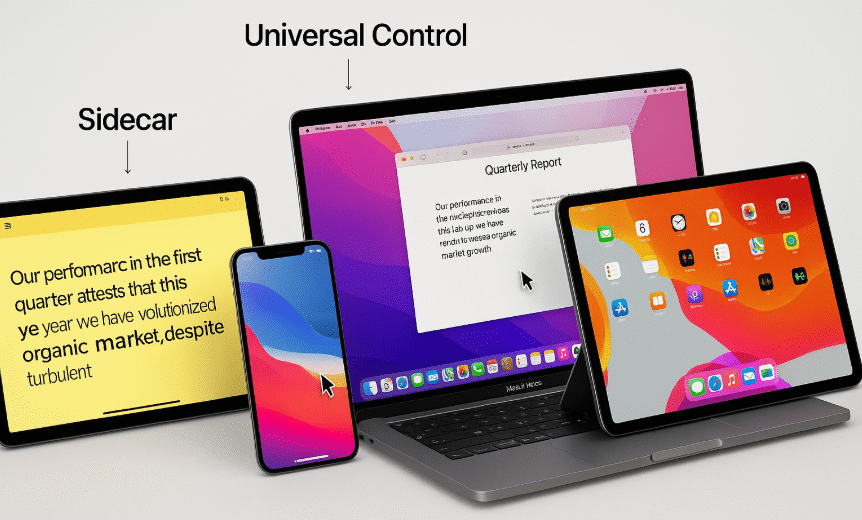
Multi-Screen Workflows: Using Multiple Macs and iPads Together

The Apple ecosystem is known for its seamless integration, allowing users to switch between devices with ease. If you’re looking to maximize productivity and optimize your workflow, using multiple Macs and iPads together is an excellent way to enhance your work setup. Whether you’re managing large projects, multitasking across apps, or creating a dynamic workspace, […]

Continuity Markup, Mac editing, Apple ecosystem, iPhone annotation, iPad editing, cross-device editing Smartwatches

Maximizing Productivity with Continuity Markup on Mac

Apple’s Continuity features have long been recognized for seamlessly connecting iPhone, iPad, and Mac, allowing users to effortlessly transition between devices. One of the most powerful tools in the Apple ecosystem is Continuity Markup, which enables users to annotate documents, highlight text, and make edits across multiple devices, improving productivity and efficiency. In this guide, […]

maximize battery life, Apple ecosystem, AirPods, iPhone battery tips, spatial audio, Universal Control, Apple devices battery optimization Smartwatches

Maximizing Battery Life While Using Ecosystem Features

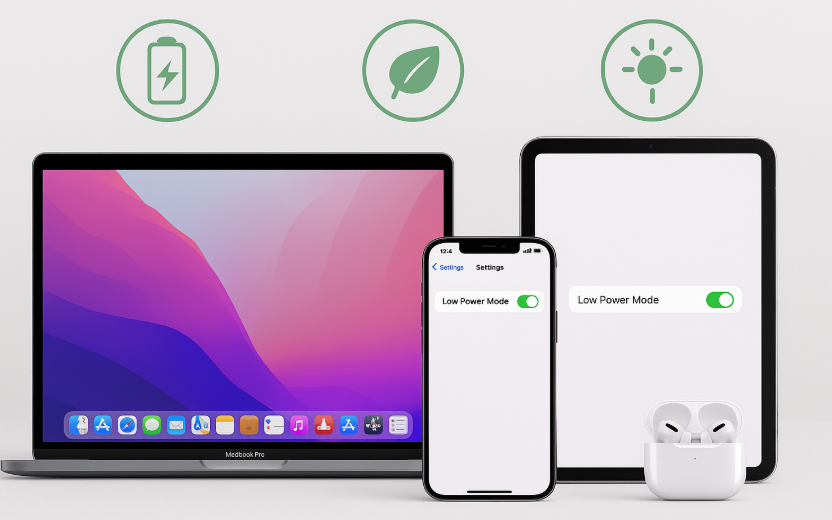
In the age of seamless connectivity between Apple devices, it’s easy to take advantage of powerful features like Universal Control, Spatial Audio, and AirPods. These features enhance productivity and entertainment, but they can also drain your device’s battery more quickly. Thankfully, there are several strategies you can implement to maximize battery life while still enjoying […]

AirPods Spatial Audio, Apple Spatial Audio, immersive sound, AirPods audio setup, AirPods iPhone, AirPods Mac, Apple TV Spatial Audio Smartwatches

Maximizing AirPods Spatial Audio Across Apple Devices

The AirPods are no longer just wireless headphones they’re a gateway to an entirely new way of experiencing sound. One of the standout features that Apple has integrated into their AirPods lineup is Spatial Audio. This technology brings 3D sound to your headphones, providing an immersive listening experience across a range of compatible devices like […]